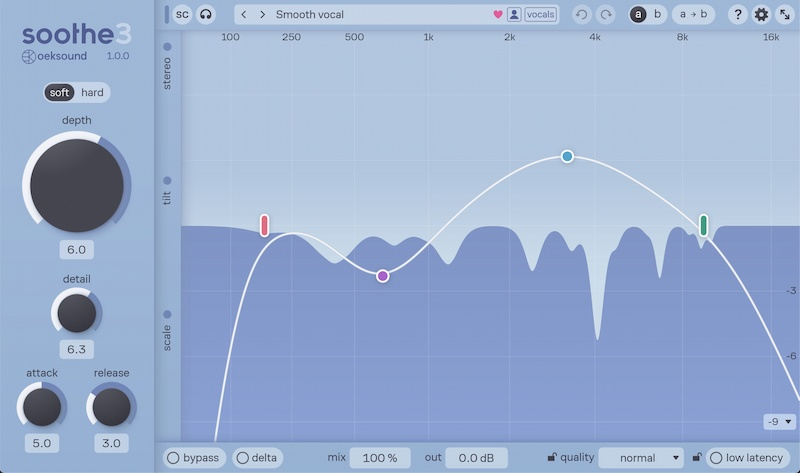
soothe3
soothe harshness, save time
- Remove harshness from any sound source
- Target shifting resonances automatically
- Clean up muddiness, boominess, and proximity effect
- Tame shrill or piercing sibilance
- Get polished sounds while tracking with zero latency
your download should start shortly...
You're downloading soothe3 (1.0.5) for macOS.
Download not starting? Try an alternative download link.
If you're still having trouble, please refer to our support page.
your download should start shortly...
You're downloading soothe3 (1.0.5) for Windows.
Download not starting? Try an alternative download link.
If you're still having trouble, please refer to our support page.
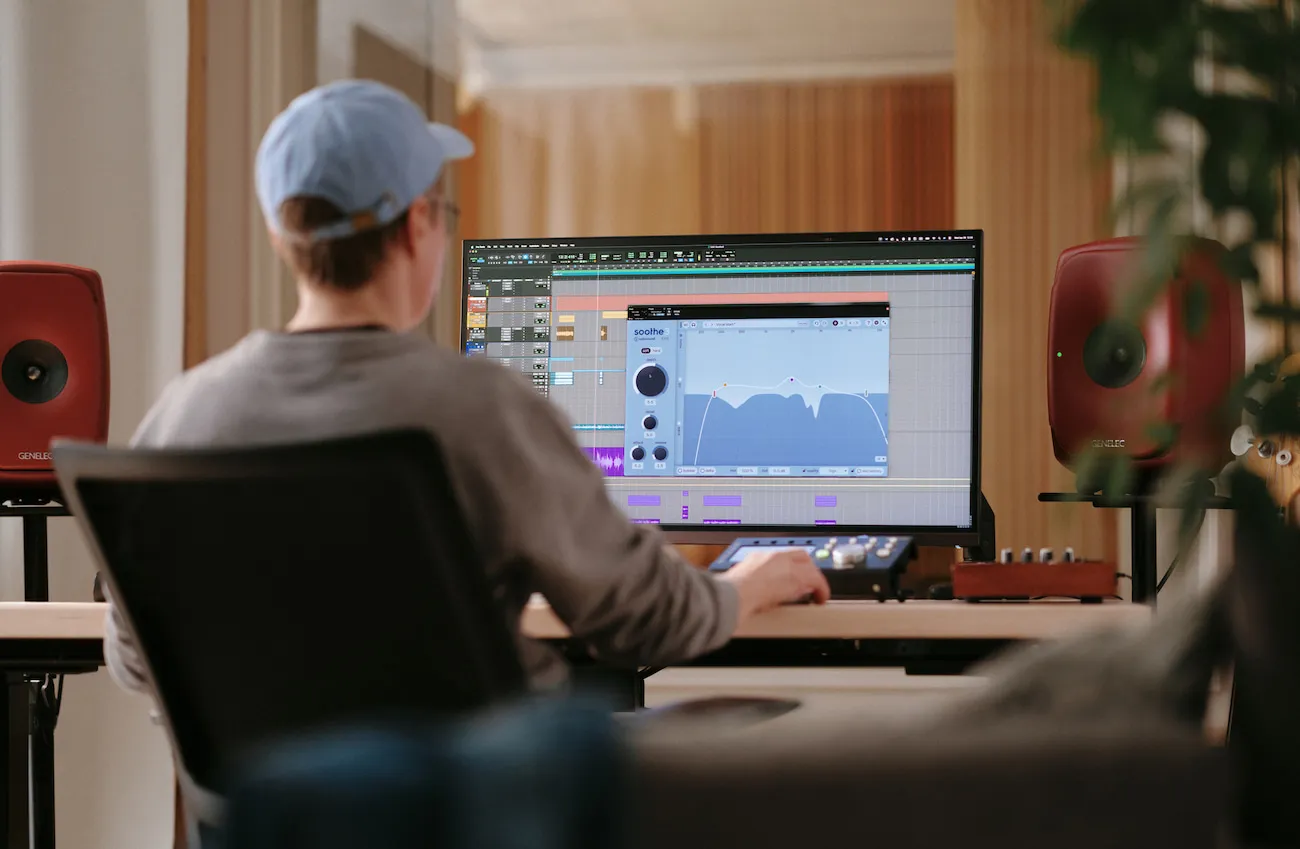
dynamic resonance suppressor
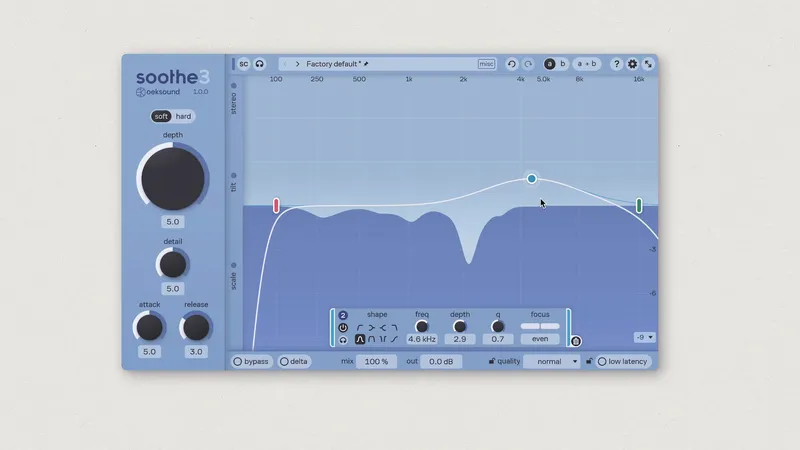
Soothe3 identifies problematic resonances on the fly and applies matching reduction automatically. This results in a smoother, more balanced sound and saves you from having to notch out frequencies by hand. The reduction only kicks in when and where needed, without affecting nearby frequency areas. This preserves the timbre of the original sound source resulting in a transparent treatment with minimal artifacts.

The biggest upgrade from Soothe2 is easily the new detail knob. It makes the processing feel much more surgical and precise, especially on vocals. I like how smoothly it tames harsh frequencies without over-processing the signal. Also loving the sidechain response between my kick and bass.
Thomas Warren
Charli XCX, Dominic Fike, Lizzo
read more testimonials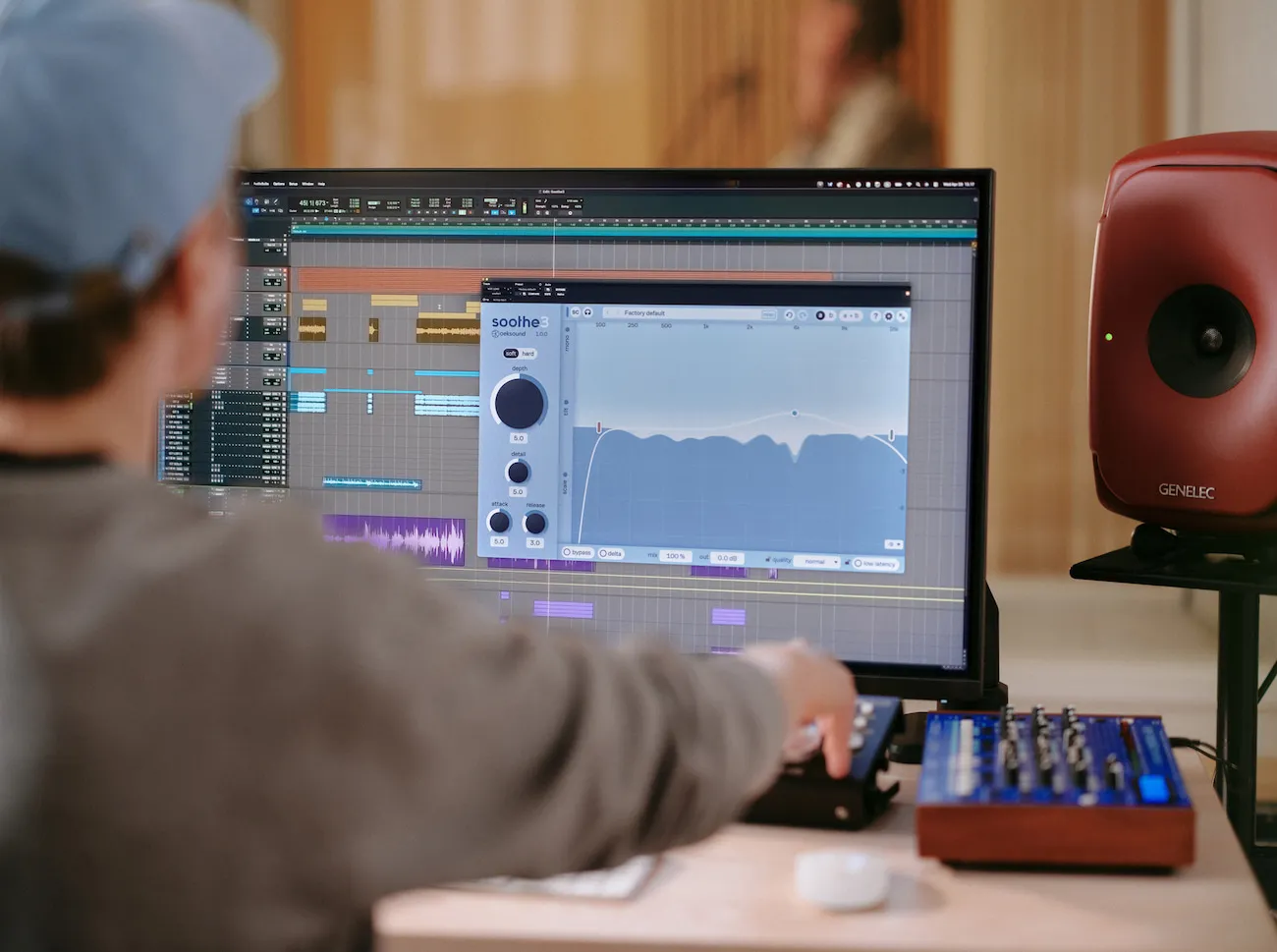
tame vocal harshness
Vocals are full of resonances, from the voice to the choice of microphone, mic placement, room acoustics, and more. Soothe smooths out harshness in real time, improving clarity, balance, and overall tone without sacrificing detail. With its low latency mode, Soothe3 can also be used while tracking, helping performers hear a more polished sound from the start.
dial it in
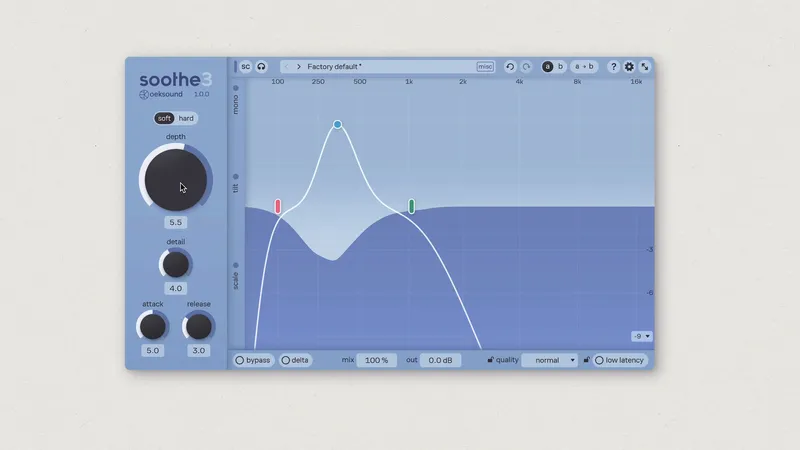
Instead of spending time notching resonances, add Soothe and jump straight to deciding which resonances you want to suppress and how much. In soft mode, Soothe3 tackles most problems transparently, making it a safe starting point for any sound source. Hard mode, on the other hand, is more reactive to dynamics, which can be useful when going for a compressor-like grab. Hard mode is also suited for overdoing it as a creative effect, à la Soothe2.
dive deep
When you need to dive deeper, Soothe3 has you covered. If you need different settings for your low end, the tilt controls are a quick solve. If stereo isn’t enough, Soothe3 has multichannel support up to 9.1.6. If you’d prefer linear phase, it’s just two clicks away. More control in a cleaner package.
continuous improvement
We released the original Soothe in 2016. With each iteration, we’ve redesigned the algorithm to improve sound quality, performance, and flexibility, while retaining ease of use. Soothe2 received numerous awards and praise from Grammy-winning engineers and producers, becoming a staple in mixes worldwide. With Soothe3, we’ve made another major leap in transparency, usability, and versatility.
technical specifications
64-bit VST3 and AAX (Pro Tools 2018.1 and up)* Apple Silicon Macs supported; Intel support up to macOS 15 (Sequoia).



VST is a trademark and software of Steinberg Media Technologies GmbH.
iLok
iLok account and iLok License Manager installation required. iLok dongle is not required. Online access required for the initial activation of the product and trial. One license allows activation of the product on 3 machines. Licenses are valid for both Windows and macOS platforms.
Please ensure system and DAW compatibility by using the free, fully featured trial license before committing to purchasing a full license. All purchases are final.
try before you buy
Download Soothe3 and use it on your own projects for 20 days without any limitations. The presets will get you up and running in no time. After the trial, if you find yourself reaching for Soothe3, you know where to find us.